Lunar Phase
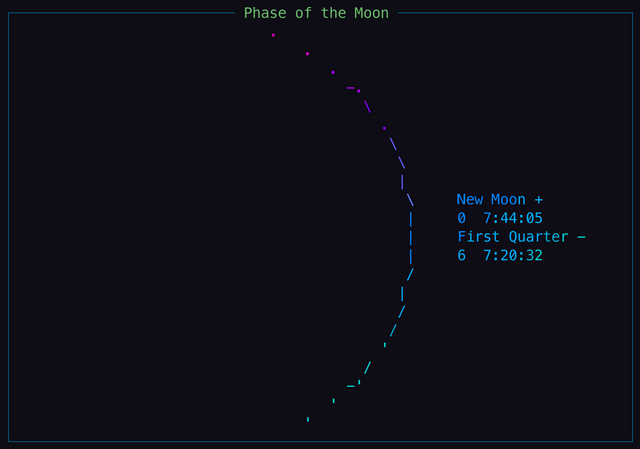
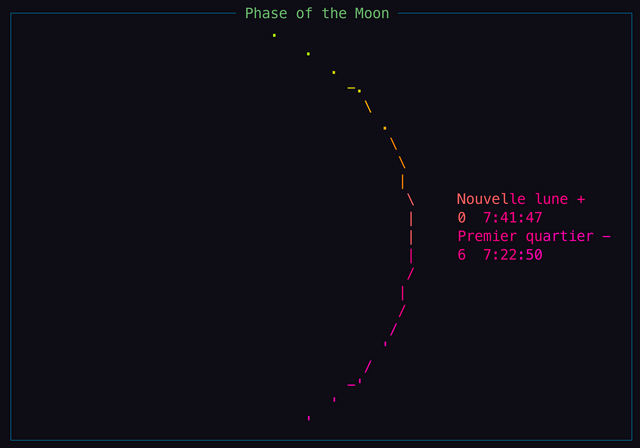
Displays the phase of the Moon as ASCII art from Wttr.in.
Configuration
lunarphase:
  enabled: true
  language: 'en'
  position:
    top: 3
    left: 5
    height: 2
    width: 2
  title: 'Phase of the Moon'
  timeout: 30
The width of the column in which the lunar phase is displayed needs to be large enough for the ASCII graphic to fit or multiple columns must be allocated. For example:
grid:
    columns: [74, 12]
    rows: [14, 14]
The default wtf settings for opening a URL in a browser on Linux is
to open the URL with xdg-open. However, xdg-open depends on the KDE
konqueror web browser on many systems. An alternate configuration on Linux
systems where xdg-open fails or is unavailable may be necessary. One such
configuration uses the Gnome gio utility. To use gio to open URLs, add
the following to your wtf YAML configuration:
openUrlUtil:
    - 'gio'
    - 'open'
Screenshots
Keyboard
To use module keyboard controls, first press the number of the module
displayed in the title of the module widget to give focus to that module.
To leave module keyboard control mode, press Esc.
When using keyboard controls to change the lunar phase day, the
lunarphase module widget title will be updated to reflect the currently
configured lunar phase day but the module widget will not automatically refresh.
After selecting the desired day using keyboard controls, refresh the module
widget by pressing r. For example, to display next week's lunar phase,
press Up Arrow or N then press r. To view the lunar phase 2 days
previous to the current day, press Left Arrow or p twice then press r.
The following keyboard controls are supported in the lunarphase module:
| Key | Action |
|---|---|
/ |
Open/close the widget's help modal |
[return] |
Open selected day lunar phase at nineplanets.org in the browser |
n |
Display next day lunar phase |
p |
Display previous day lunar phase |
t |
Display today's lunar phase |
n |
Display next day lunar phase |
p |
Display previous day lunar phase |
o |
Open selected day lunar phase at nineplanets.org in the browser |
r |
Refresh the data |
←
|
Show the previous day lunar phase |
→
|
Show the next day lunar phase |
↓ |
Show previous week lunar phase |
↑ |
Show next week lunar phase |
Ctrl-d |
Toggle disable/enable widget display |
Source Code
https://github.com/wtfutil/wtf/tree/master/modules/lunarphase